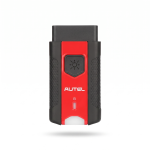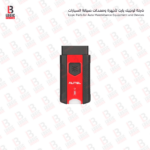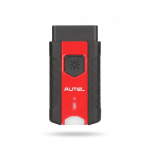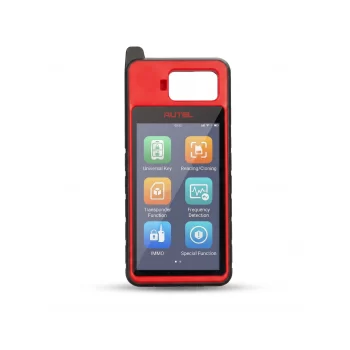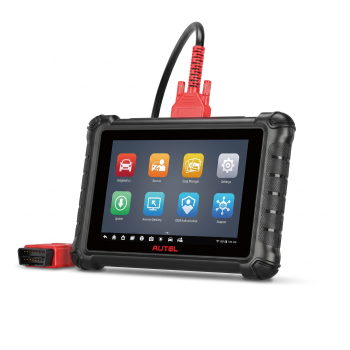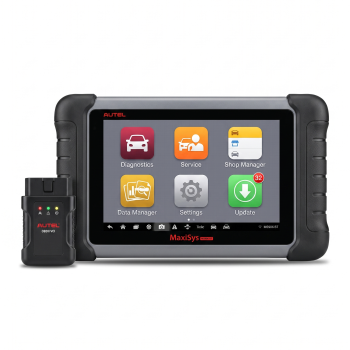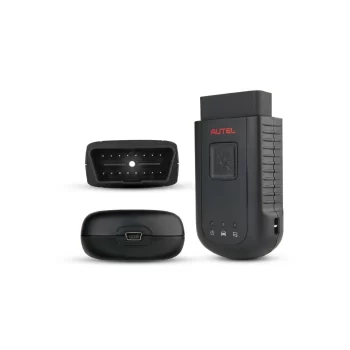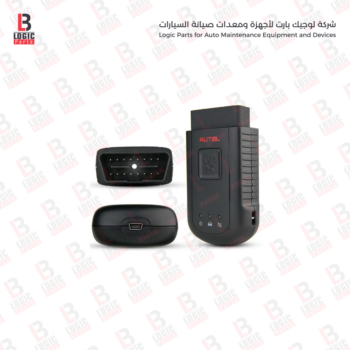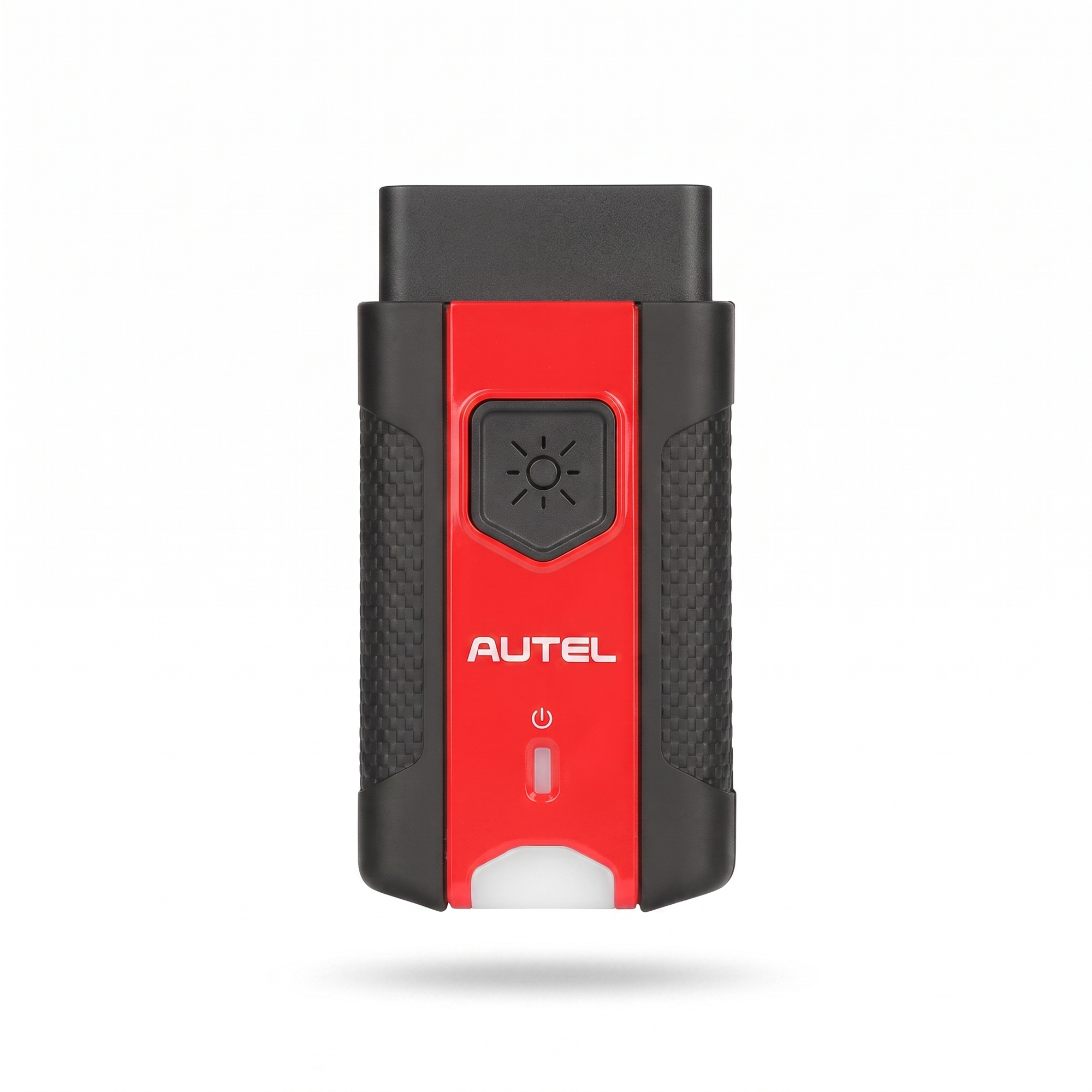
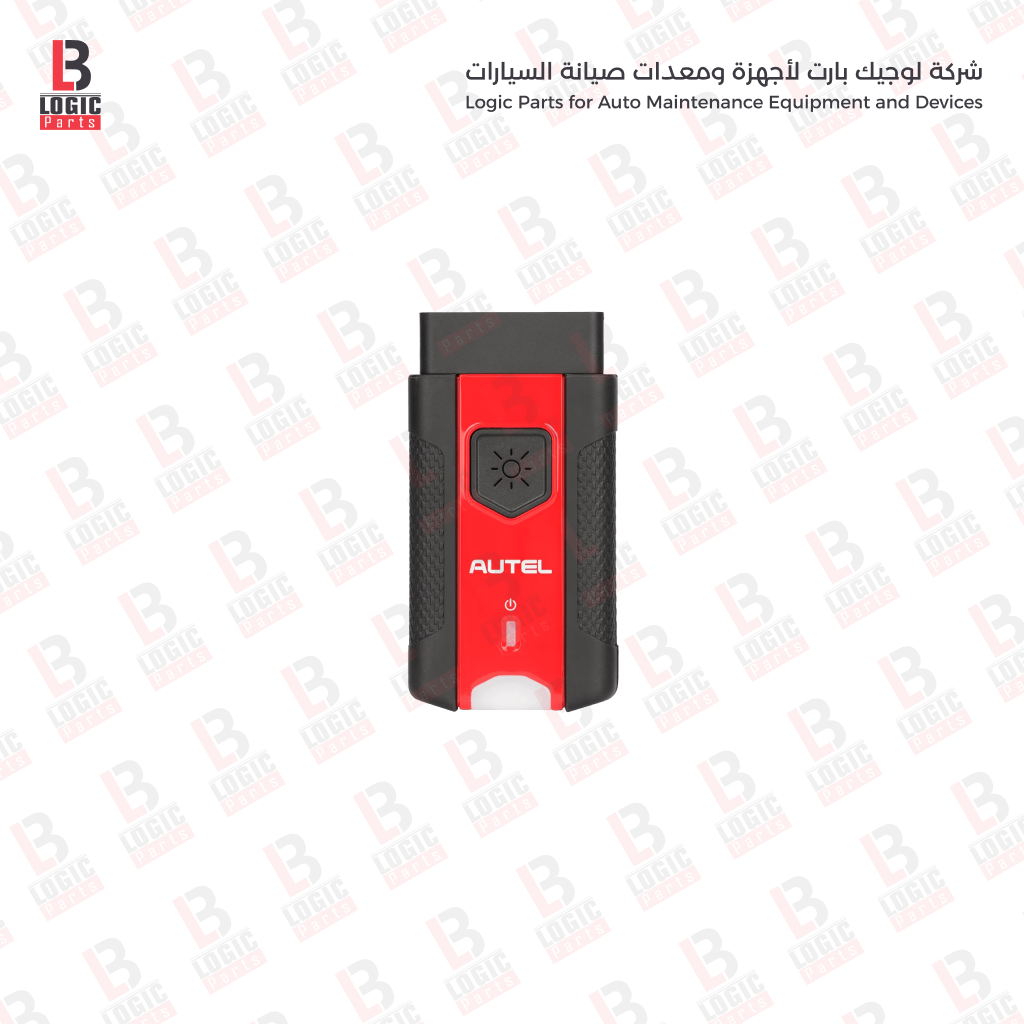

The Autel MaxiVCI V200 Used from Logic Part Store is designed to connect compatible Autel diagnostic scanners to vehicles and transfer diagnostic data between the vehicle’s OBD II port and the diagnostic tablet. It supports wireless Bluetooth connectivity and wired USB communication, giving technicians greater freedom while inspecting vehicles and performing supported diagnostic functions. The interface features a 16-pin vehicle data connector and LED indicators for power, vehicle communication, and connection status.
Its clear and user-friendly interface makes it suitable for locksmiths, automotive workshops, and vehicle service centers.
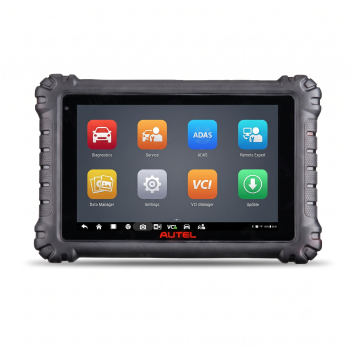
It combines comprehensive vehicle system diagnostics, active tests, coding, and programming for compatible vehicles. It also features a Topology Modul
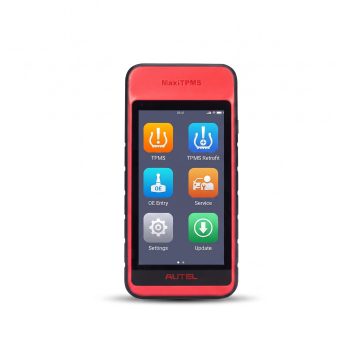
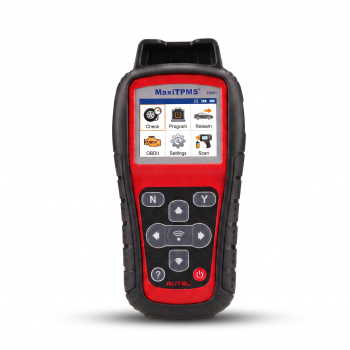
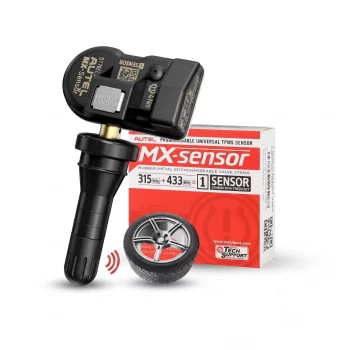
service centers diagnose sensor faults, read sensor data, and efficiently program Autel MX-Sensors.
The device offers Quick Mode and Advanced Mode to complete both basic and comprehensive TPMS service tasks efficiently.
It is designed to diagnose various electronic systems in compatible vehicles, read and clear fault codes, and display live data.
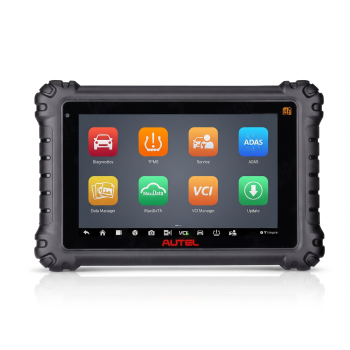
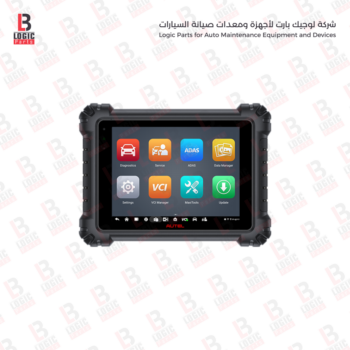
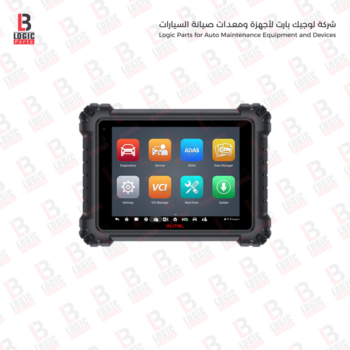
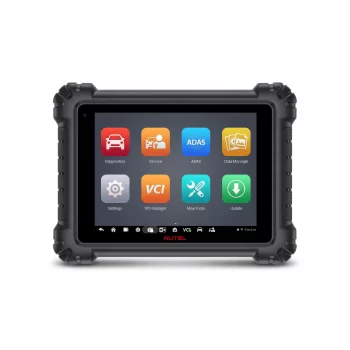
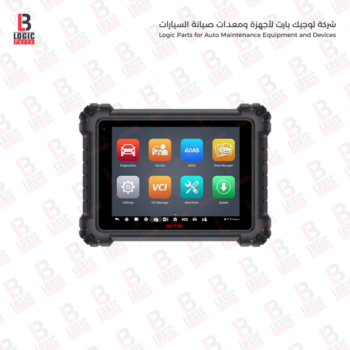
Autel MaxiSYS MS906 MAX The device supports full-system diagnostics, reading and clearing diagnostic trouble codes, viewing live data
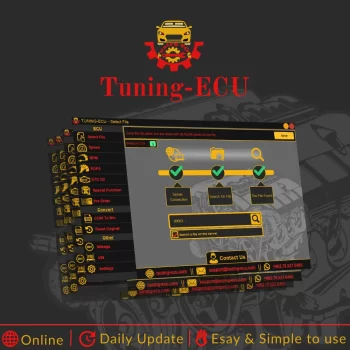
A Comprehensive and Professional Solution for ECU File Modification for Toyota, Lexus, and Scion Vehicles
Tuning-ECU is a specialized software solution designed for ECU file modification, developed to provide a practical and comprehensive platform for programmers and automotive specialists. It is particularly focused on Toyota, Lexus, and Scion vehicles whose ECU file names begin with 89663. The software offers a flexible and user-friendly working environment that helps technicians and professionals perform the required file modifications with speed and accuracy, whether they are working with files they already have or retrieving supported files directly from the server.
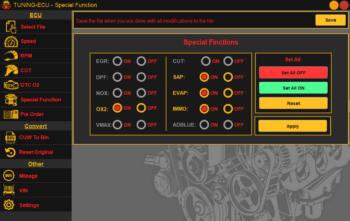
The software is designed to serve a wide range of users, from experienced technicians to specialists looking for a well-organized tool with a clear and responsive interface. It supports modification of both petrol and diesel engine files, with a broad range of capabilities including speed limiter adjustment, RPM limit modification, Air Cut control, DTC disabling, and a number of special functions that expand the program’s practical applications.
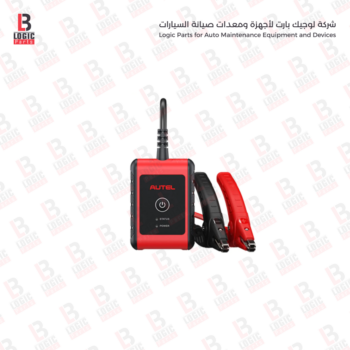
It uses advanced Adaptive Conductance technology to provide more accurate readings of the battery’s health and actual starting capability.
Its compact design and LED indicators display power, connection, and data communication status, making it a practical replacement for a damaged or missing VCI unit.
The device provides advanced capabilities, including full-system diagnostics, active tests, ECU coding
It combines comprehensive vehicle system diagnostics, active tests, coding, and programming for compatible vehicles.