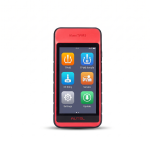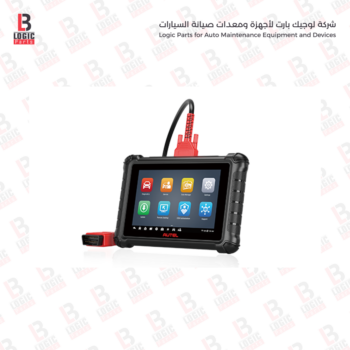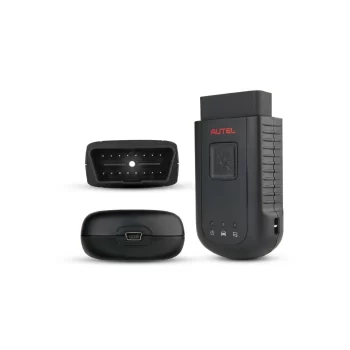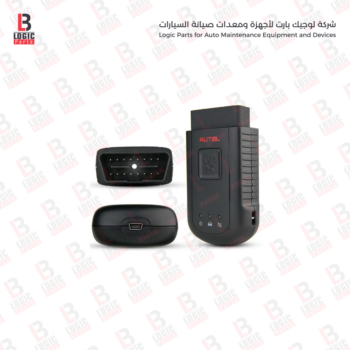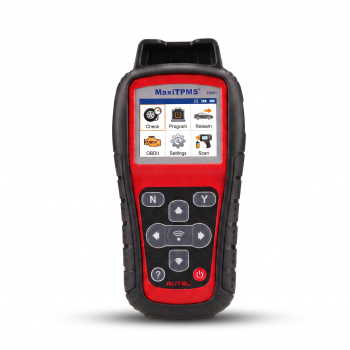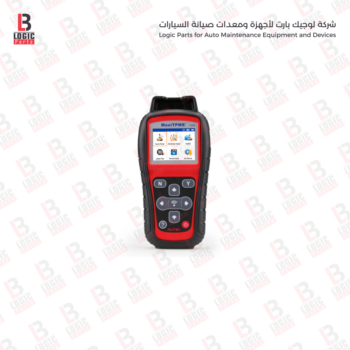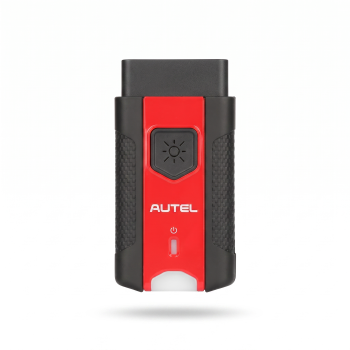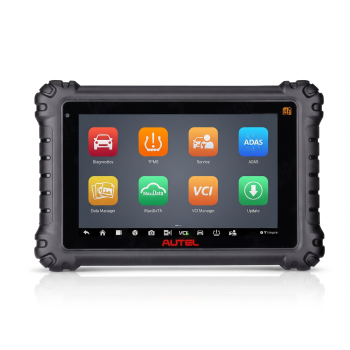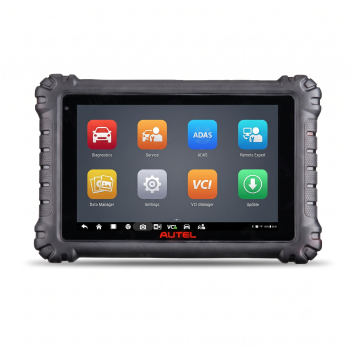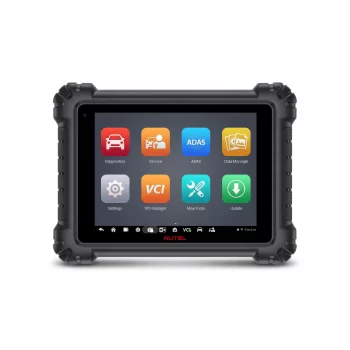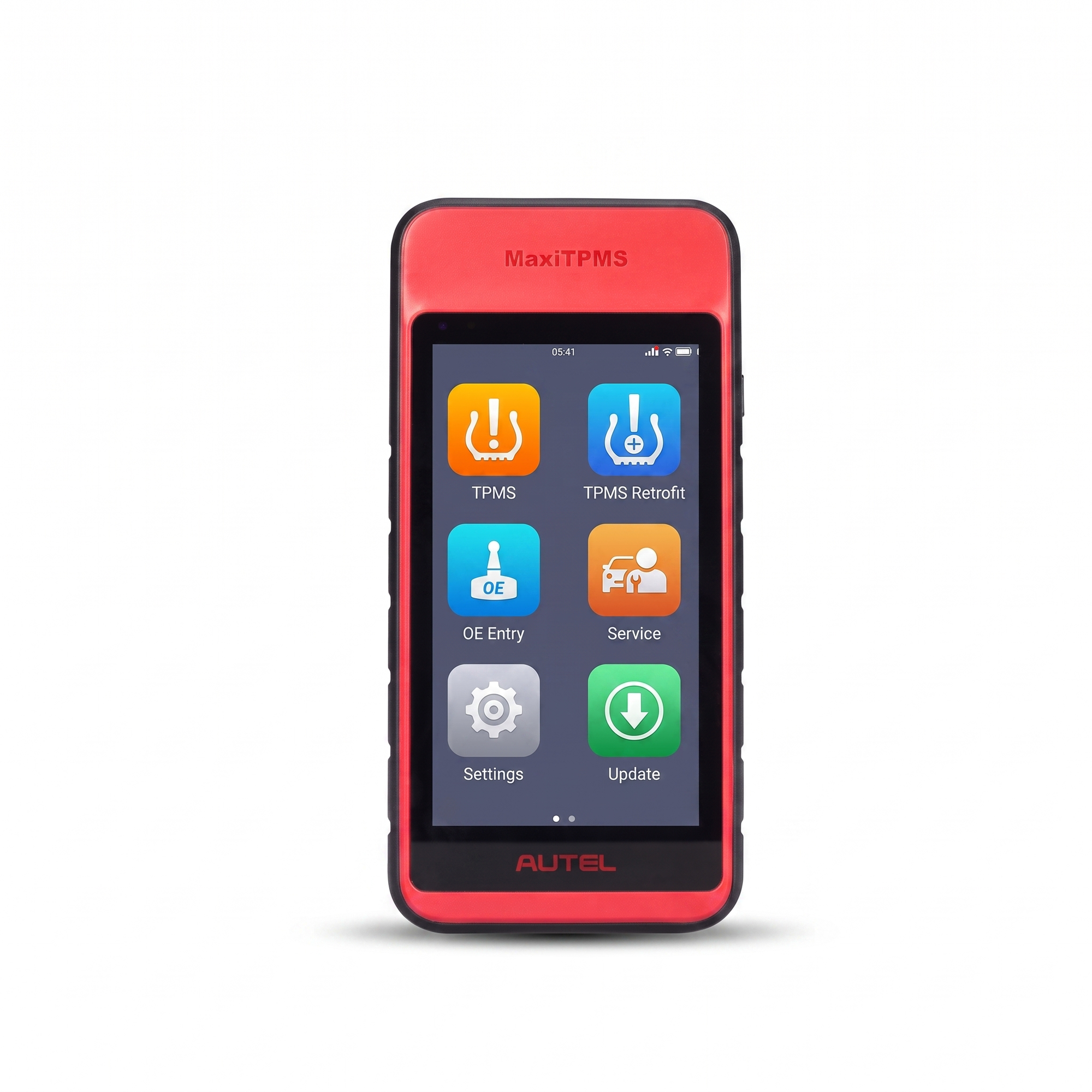

The Autel MaxiTPMS ITS600, available from Logic Parts, is an advanced handheld tool designed for diagnosing, programming, and relearning Tire Pressure Monitoring System sensors. Powered by Android and equipped with a color touchscreen, it provides a wide range of functions that help tire technicians, automotive workshops, and service centers diagnose sensor faults, read sensor data, and efficiently program Autel MX-Sensors.
• A specialized tool for diagnosing, testing, and programming TPMS sensors.
• Activates tire pressure sensors, reads their data, and performs sensor relearn procedures.
• Displays the sensor ID, tire pressure, temperature, frequency, and battery condition.
• Supports Autel MX-Sensor programming using multiple advanced programming methods.
• Provides a clear diagnostic interface for quickly checking the condition of each TPMS sensor.
• Supports OBDII TPMS relearn procedures on compatible vehicles.
• Features VINscan technology to help identify vehicle information quickly.
• Ideal for tire shops, automotive workshops, and specialized vehicle service centers.
• Activates, reads, and relearns supported tire pressure sensors.
• Reads and clears TPMS fault codes and displays live system data.
• Clearly displays the condition and location of each sensor on the vehicle.
• Reads tire pressure, temperature, sensor frequency, and battery status.
• Programs Autel MX-Sensors to replace a wide range of original equipment sensors.
• Offers several MX-Sensor programming methods, including Copy by Activation, Copy by OBD, Auto Create, and Manual Input.
• Supports batch programming of MX-Sensors to speed up workshop operations.
• Performs fast OBDII sensor relearn procedures on compatible vehicles.
• Allows users to reset the tire pressure reference value stored in supported vehicles.
• Activates tire pressure sensors installed on the vehicle.
• Reads sensor information and checks sensor condition and battery status.
• Helps diagnose faults within the Tire Pressure Monitoring System.
• Reads and clears TPMS-related diagnostic trouble codes.
• Programs new Autel MX-Sensors before installation.
• Copies the identification number of an existing sensor to a new compatible sensor.
• Performs TPMS relearn procedures after sensor replacement or tire rotation.
• Matches newly installed sensors with the vehicle’s control module.
• Resets the reference tire pressure value on supported vehicles.
• Requires the correct vehicle make, model, and year to be selected before performing any procedure.
• Brand: Autel.
• Model: MaxiTPMS ITS600.
• Device type: TPMS diagnostic and sensor programming tool.
• Operating system: Android 9.0.
• Processor: 1.5 GHz quad-core processor.
• Memory: 2 GB RAM and 64 GB internal storage.
• Display: 5.5-inch LCD touchscreen.
• Screen resolution: 1280 × 720 pixels.
• Connectivity: Wi-Fi, Bluetooth, and USB Type-C.
• Battery: 5000 mAh lithium-polymer battery.
• Vehicle communication interface: Wireless Bluetooth VCI interface.
• Dimensions: Approximately 183 × 89 × 22 mm.
• Net weight: Approximately 368 g.
• Recommended use: Tire shops, automotive workshops, and vehicle service centers.
• Category: TPMS diagnostic and tire sensor programming tools.
• Color: Red and black.
• Fully charge the device before starting diagnostic or programming procedures.
• Select the correct vehicle information before activating or programming a sensor.
• Confirm vehicle and sensor compatibility before performing any procedure.
• Hold the device close to the sensor when activating it or reading its data.
• Do not disconnect the VCI interface while communicating with the vehicle control module.
• Keep the device software updated to obtain improved vehicle and sensor coverage.
• Store the device in a dry place away from moisture and excessive heat.
• Protect the screen and device body from impacts and accidental drops.
• Use a suitable charger and cable to prevent battery damage.
It is designed to diagnose various electronic systems in compatible vehicles, read and clear fault codes, and display live data.
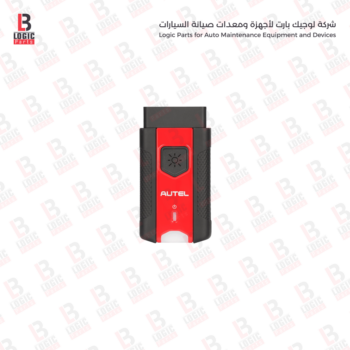
Its compact design and LED indicators display power, connection, and data communication status, making it a practical replacement for a damaged or missing VCI unit.
The device offers Quick Mode and Advanced Mode to complete both basic and comprehensive TPMS service tasks efficiently.
It supports wireless Bluetooth connectivity and wired USB communication, giving technicians greater freedom while inspecting vehicles
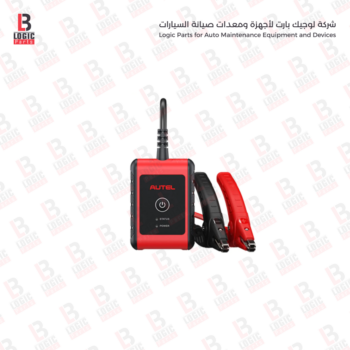
It uses advanced Adaptive Conductance technology to provide more accurate readings of the battery’s health and actual starting capability.
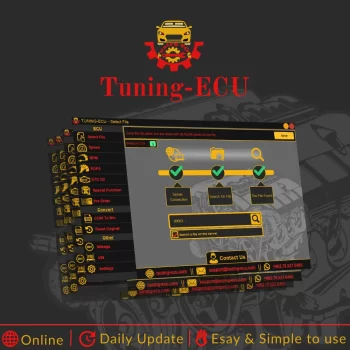
A Comprehensive and Professional Solution for ECU File Modification for Toyota, Lexus, and Scion Vehicles
Tuning-ECU is a specialized software solution designed for ECU file modification, developed to provide a practical and comprehensive platform for programmers and automotive specialists. It is particularly focused on Toyota, Lexus, and Scion vehicles whose ECU file names begin with 89663. The software offers a flexible and user-friendly working environment that helps technicians and professionals perform the required file modifications with speed and accuracy, whether they are working with files they already have or retrieving supported files directly from the server.
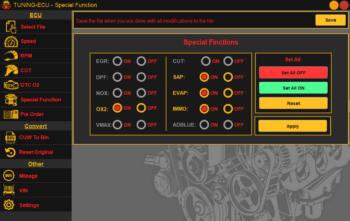
The software is designed to serve a wide range of users, from experienced technicians to specialists looking for a well-organized tool with a clear and responsive interface. It supports modification of both petrol and diesel engine files, with a broad range of capabilities including speed limiter adjustment, RPM limit modification, Air Cut control, DTC disabling, and a number of special functions that expand the program’s practical applications.
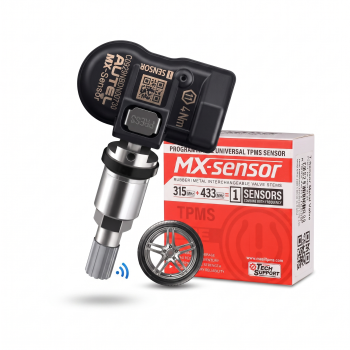
It is suitable for replacing damaged, unresponsive, or expired tire pressure sensors
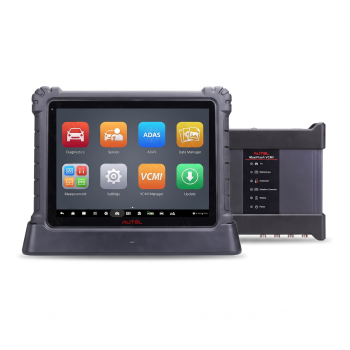
It combines complete vehicle system diagnostics, coding and programming, active tests
The device provides advanced capabilities, including full-system diagnostics, active tests, ECU coding
It combines comprehensive vehicle system diagnostics, active tests, coding, and programming for compatible vehicles. It also features a Topology Modul
It combines comprehensive vehicle system diagnostics, active tests, coding, and programming for compatible vehicles.
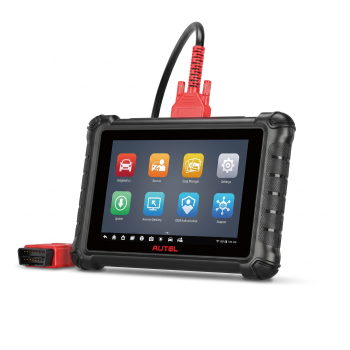
Autel MaxiSYS MS906 MAX The device supports full-system diagnostics, reading and clearing diagnostic trouble codes, viewing live data